
Scan signs and labels
From subway signs to airport directions and bus stops, the camera flow is built for fast visual translation.
Translate menus, signs, conversations, documents, handwritten notes, and everyday text in seconds — without turning every moment into a search mission.
The app is not trying to be clever. It is trying to be useful at the exact moment language becomes a problem.
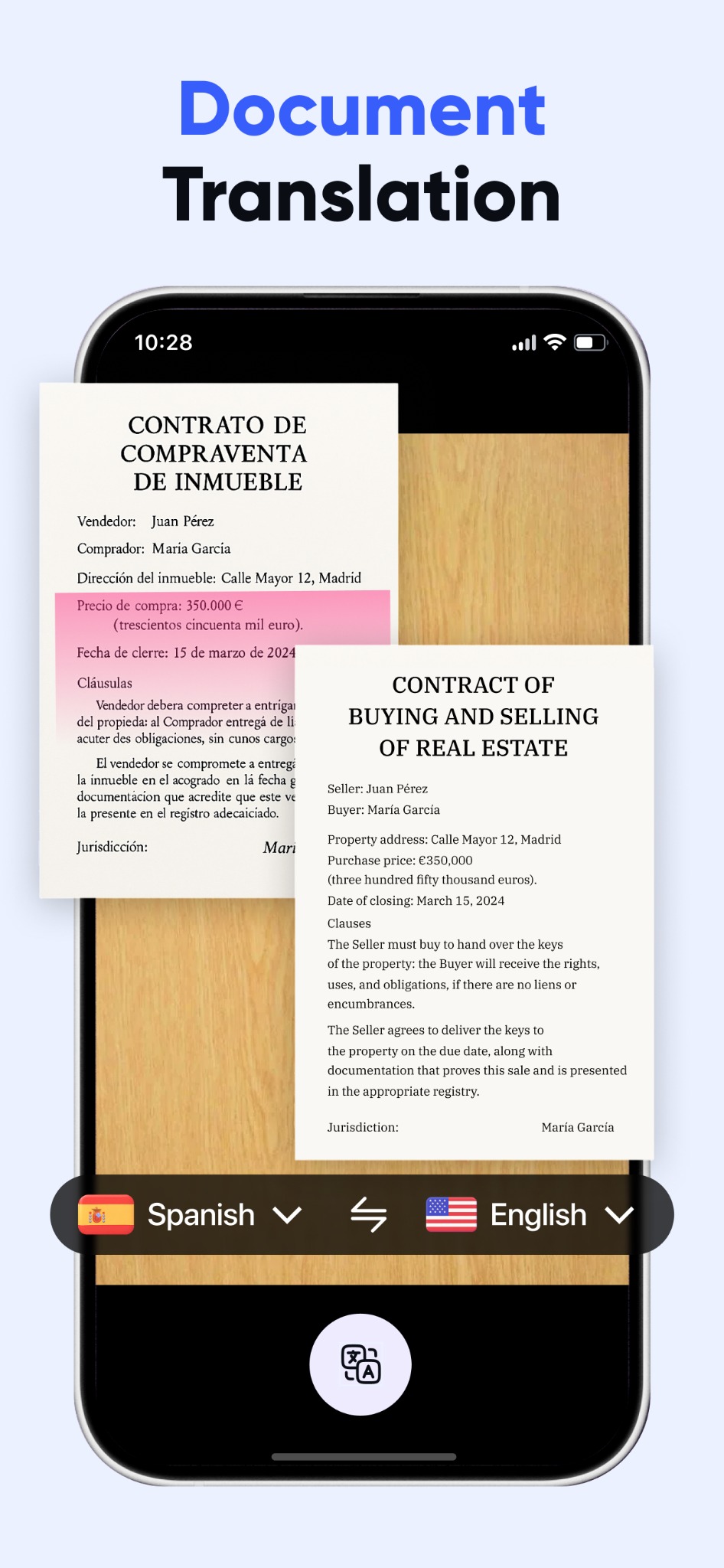
Menus, signs, labels, forms, contracts, handwritten notes — the app turns “What does this say?” into “Got it.”
Real-time voice translation helps two people keep the rhythm of a conversation instead of stopping to type every sentence.
Phrase help and audio playback reduce the risk of saying the wrong thing when you need clarity, not improvisation.
The screenshots show a product aimed at travel-heavy, real-world use: instant reading, speaking, listening, and understanding.
From subway signs to airport directions and bus stops, the camera flow is built for fast visual translation.
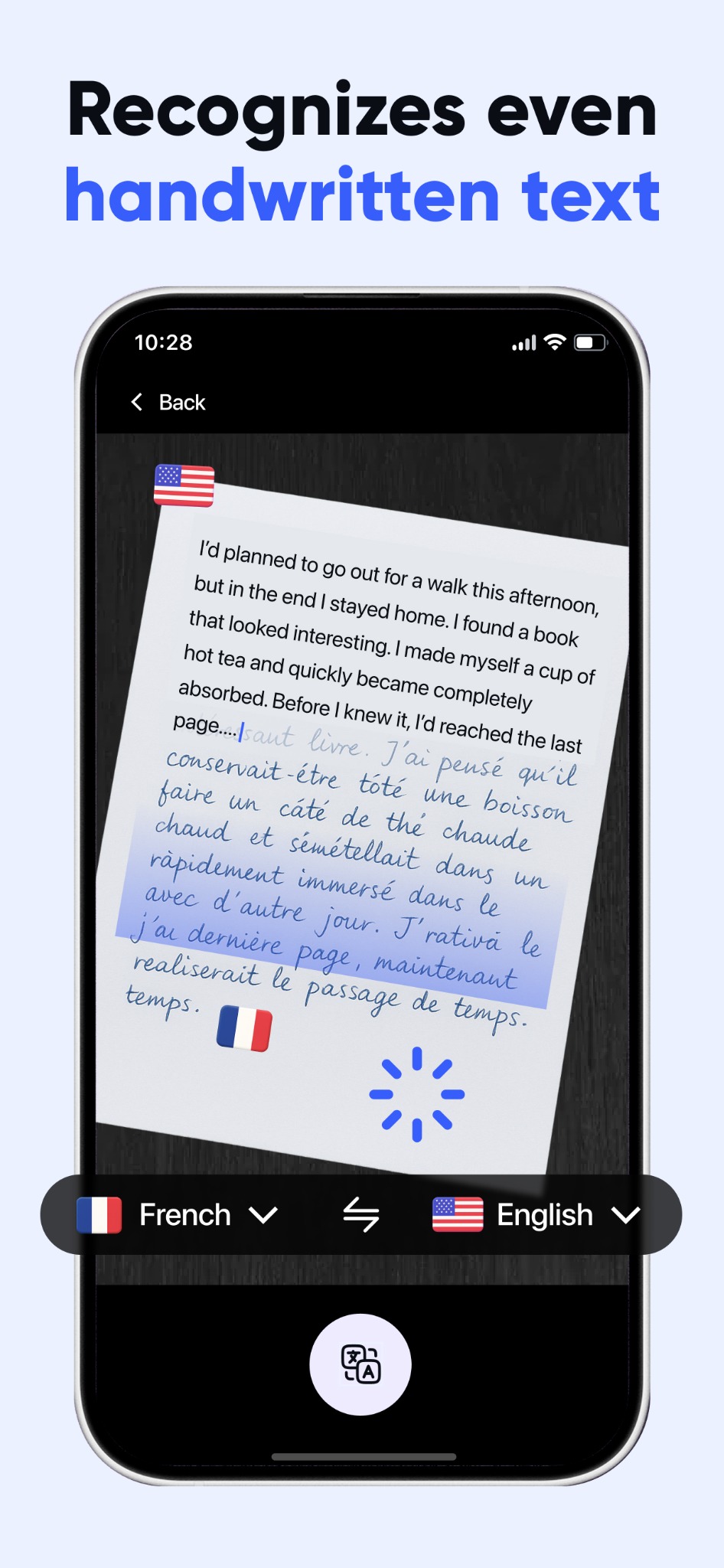
Not just clean printed text. Handwritten notes, quick jots, and mixed documents are part of the promise.
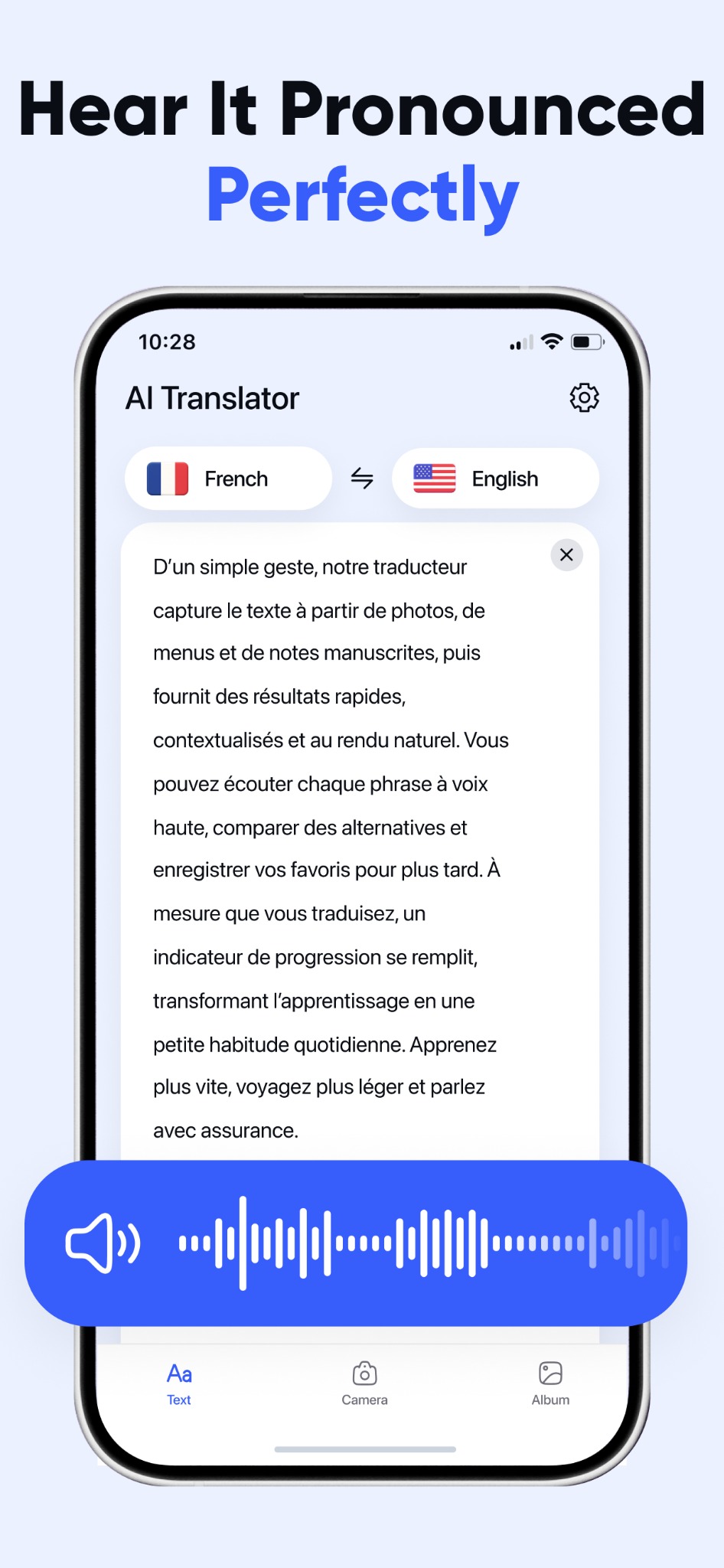
Food names, ingredients, and unfamiliar dishes become readable before you order.
Voice mode shows a back-and-forth layout designed for natural conversations between two people.
Paste or type text, compare versions, copy the result, and keep moving.
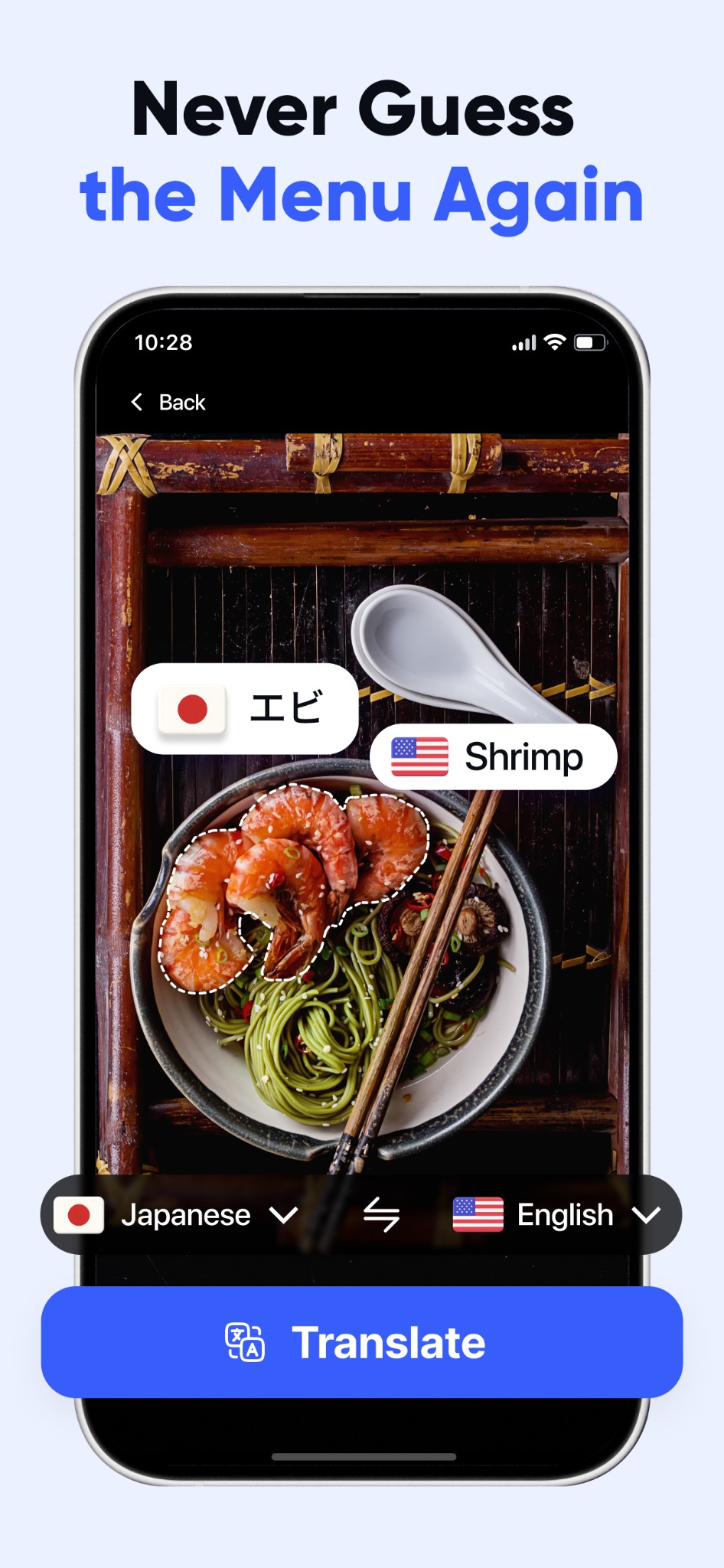
Audio playback makes the result usable when the next step is speaking, not just reading.
The strongest screenshots focus on the same behavior: point your phone, capture text, get a readable answer fast. That matters when you are standing in a station, scanning a menu, or trying to decode a sign before you miss your turn.
This one leans into that pain point. The handwriting screenshot is not just decorative — it is a claim that the app can help with notes, forms, quick instructions, and real-life text that is messy, imperfect, and not designed for OCR demos.
Voice mode is positioned as a bridge between two humans, not a robot trick. One person speaks, the other understands, and the exchange keeps moving. That is the difference between using a translator and actually communicating.
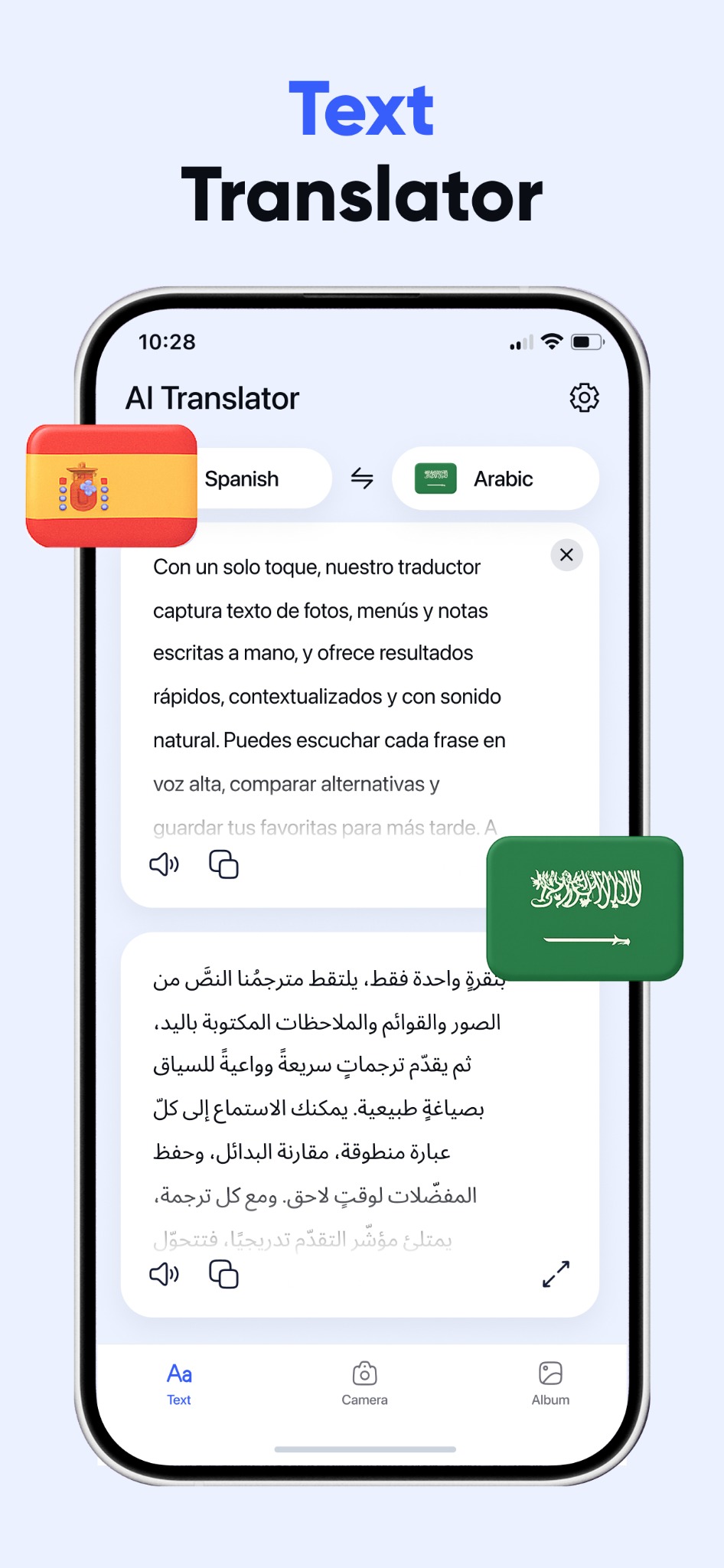
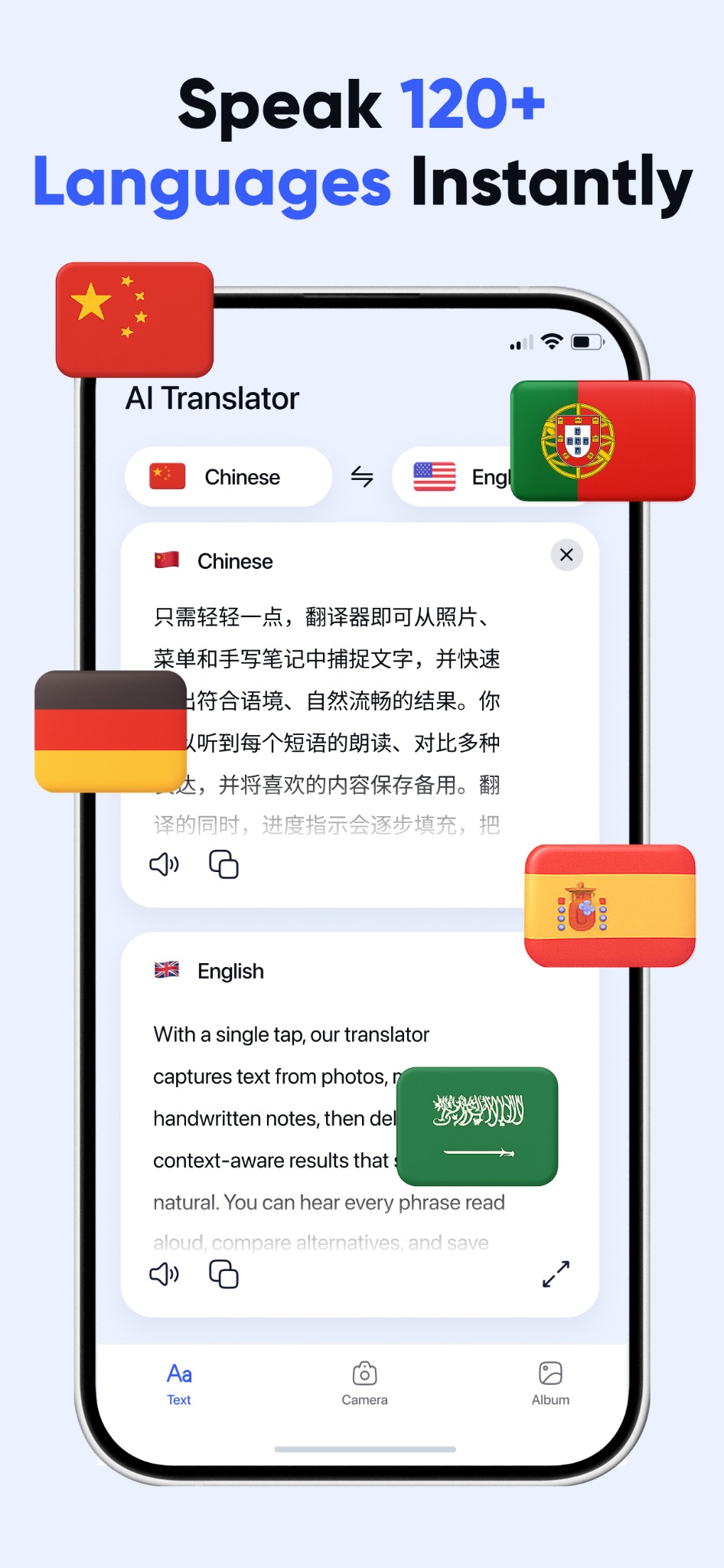
The UI screenshots show more than translation. They show utility: playback, copying, comparison, saving, and clear visual structure. That matters because speed means nothing if the result is hard to reuse.
The description focuses on utility: travel, work, curiosity, speed, confidence, fewer awkward pauses, and broad language coverage.
Not abstract “AI magic.” Concrete moments. That is where this product is strongest.
Open the camera. Scan the dish. See what you are about to order before you gamble on it.
Translate the station sign, bus stop label, or airport notice before confusion turns into delay.
Switch to voice mode and let both sides speak like humans instead of waiting for a keyboard.
Translate forms, agreements, and printed paperwork when the exact wording actually matters.
Menus. Signs. Handwriting. Voice. Documents. Each screenshot proves a concrete job the app can do.
People do not want “OCR” or “NLP.” They want to stop feeling lost, slow, or unsure in another language.
Travelers, expats, students, curious learners, and business users all buy the same result: quick understanding.
See it, hear it, speak it, scan it, translate it. The product story becomes obvious in seconds.
That is the landing-page angle. Not hype. Not vague “smart translation.” Just a sharp promise backed by the screenshots: point, speak, listen, understand, move on.